


Tips for Efficient On-Set Logging with TimeTag
TimeTag is powerful, but using it effectively requires some best practices. Here are our top tips for getting the most out of on-set logging with TimeTag.
Pre-Production Setup
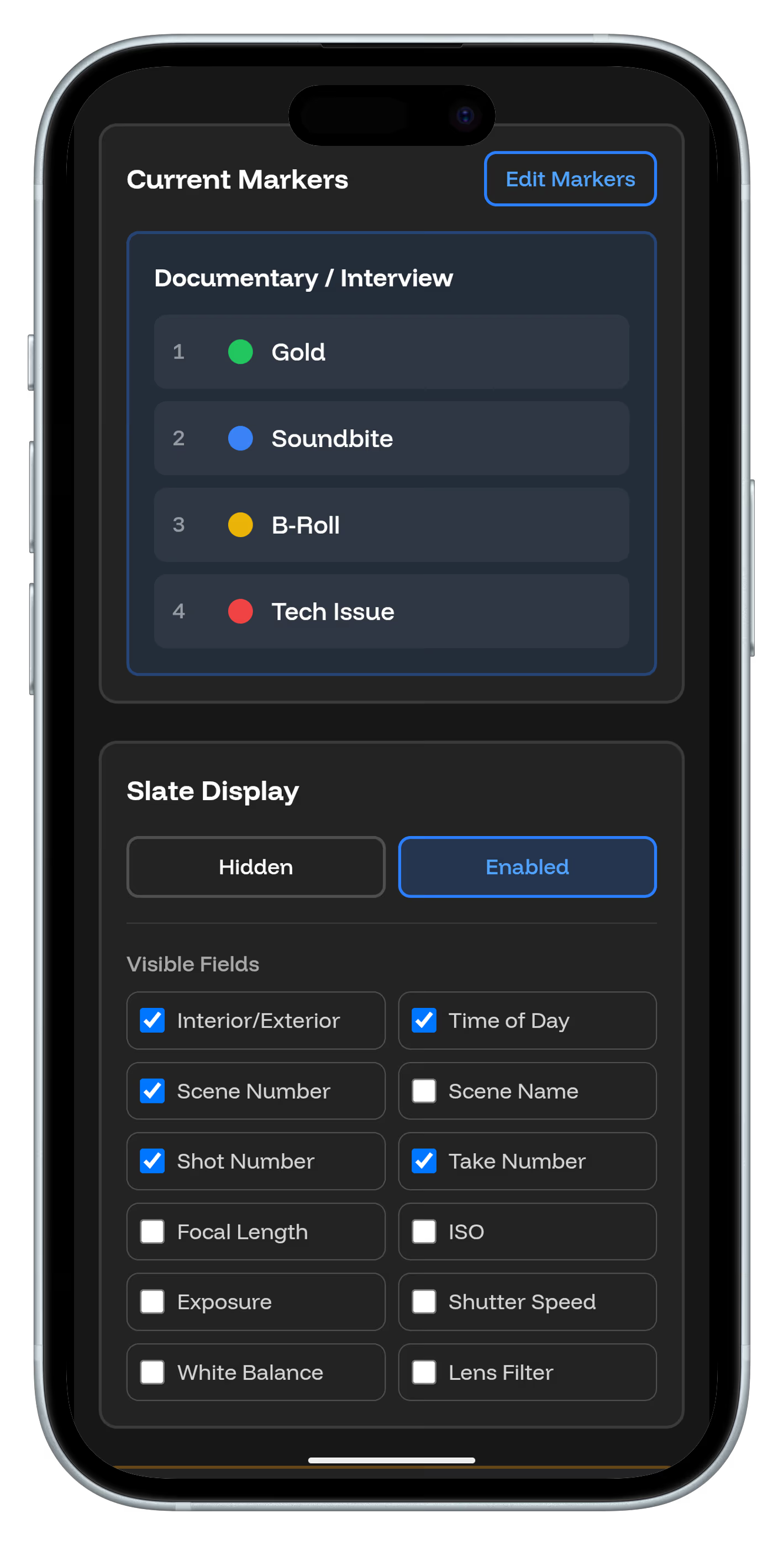
Configure your marker presets before the shoot. Create custom types for your production's specific needs – "Hero Shot," "Insert," "MOS," etc.
Timecode Sync is Critical
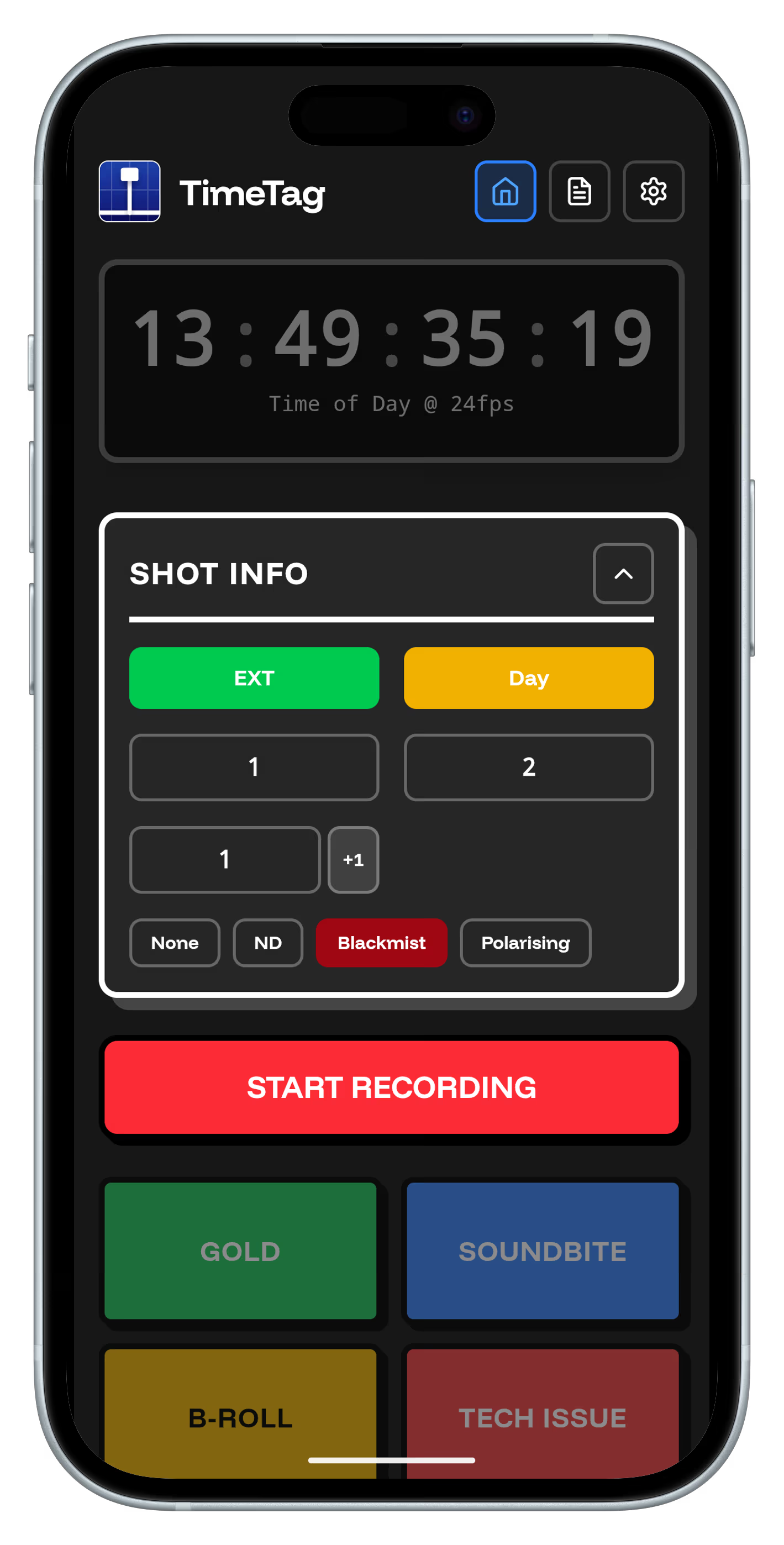
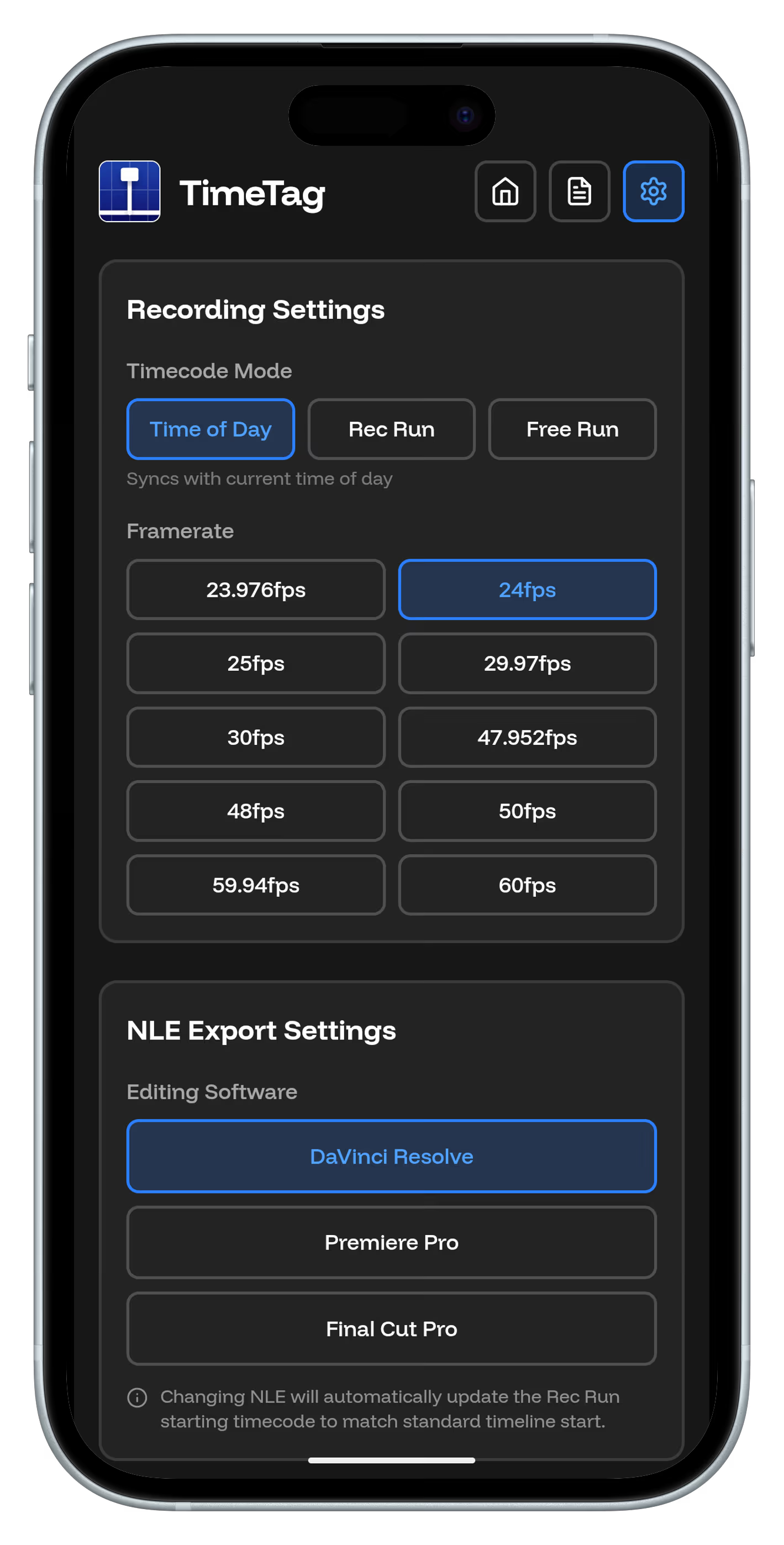
Always film a slate with Time Of Day mode at the start of each shoot. This ensures perfect sync between TimeTag and your camera footage.
Use Consistent Naming
Establish naming conventions for scenes, takes, and notes. This makes searching and organizing much easier in post-production.
Mark Liberally
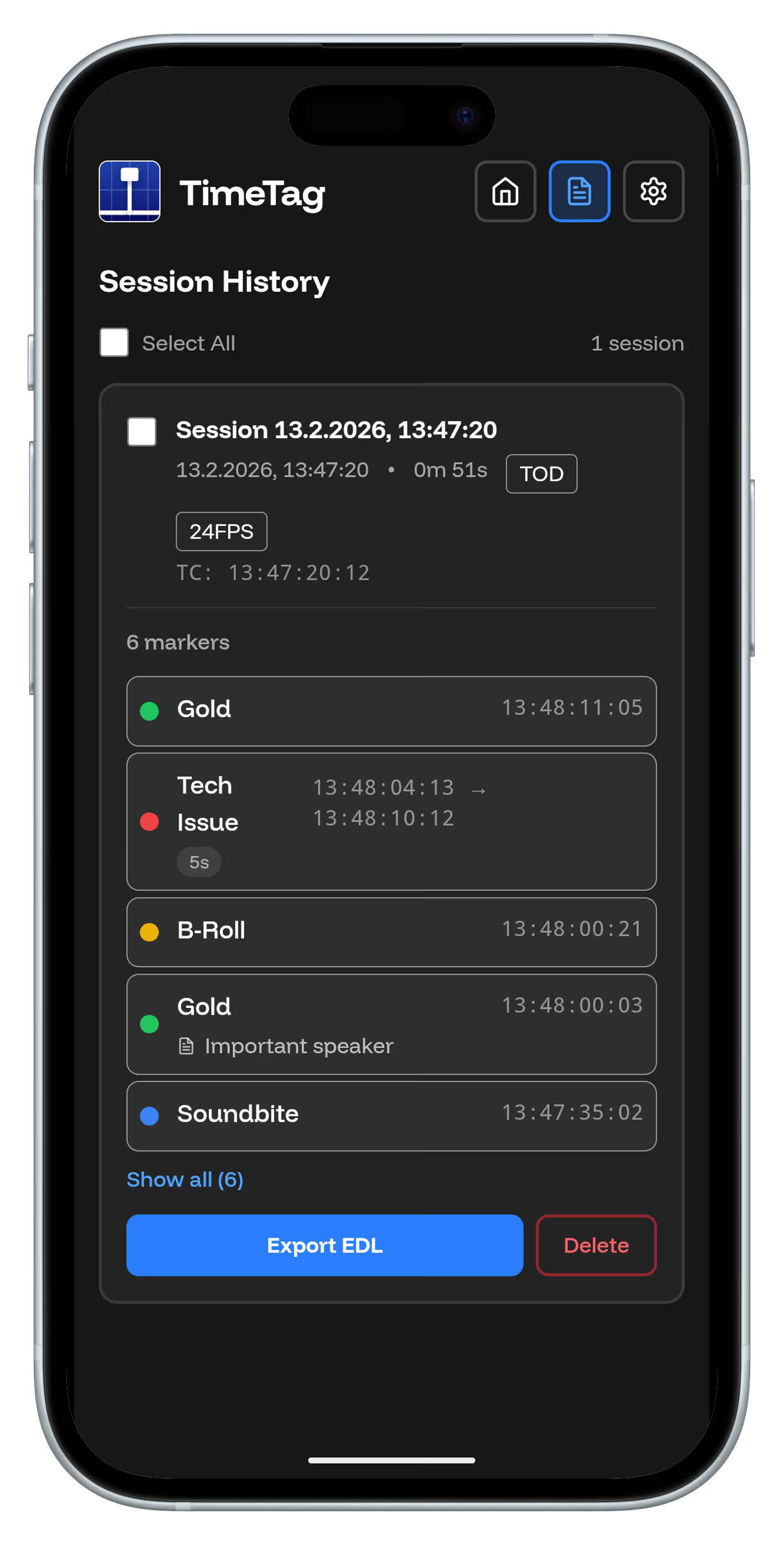
Don't be afraid to mark frequently. It's easier to delete unnecessary markers later than to search for missing ones during editing.
Leverage Slate Metadata
Use TimeTag's slate feature to add production details, camera settings, and crew notes. This metadata carries over to your editing software.
Export Regularly
Export your TimeTag data at the end of each shooting day. This creates backups and allows the editorial team to start organizing footage immediately.
Integrate with Your Team
Share TimeTag data with your script supervisor, editor, and producer. Keep everyone on the same page with real-time logging.
Review and Refine
After each shoot, review your logging process. What worked well? What can be improved? Continuously optimize your workflow.
Master TimeTag
With these tips, TimeTag becomes an indispensable part of your filmmaking toolkit. Efficient logging leads to faster post-production and better final results.