

TimeTag - Speed Up DaVinci Resolve Editing by Placing Timeline Markers During Shoot
DaVinci Resolve is the industry-standard color grading and editing software, but getting your footage organized can be time-consuming. TimeTag changes that by allowing you to place timeline markers during the shoot that import directly into Resolve.
Seamless DaVinci Resolve Integration
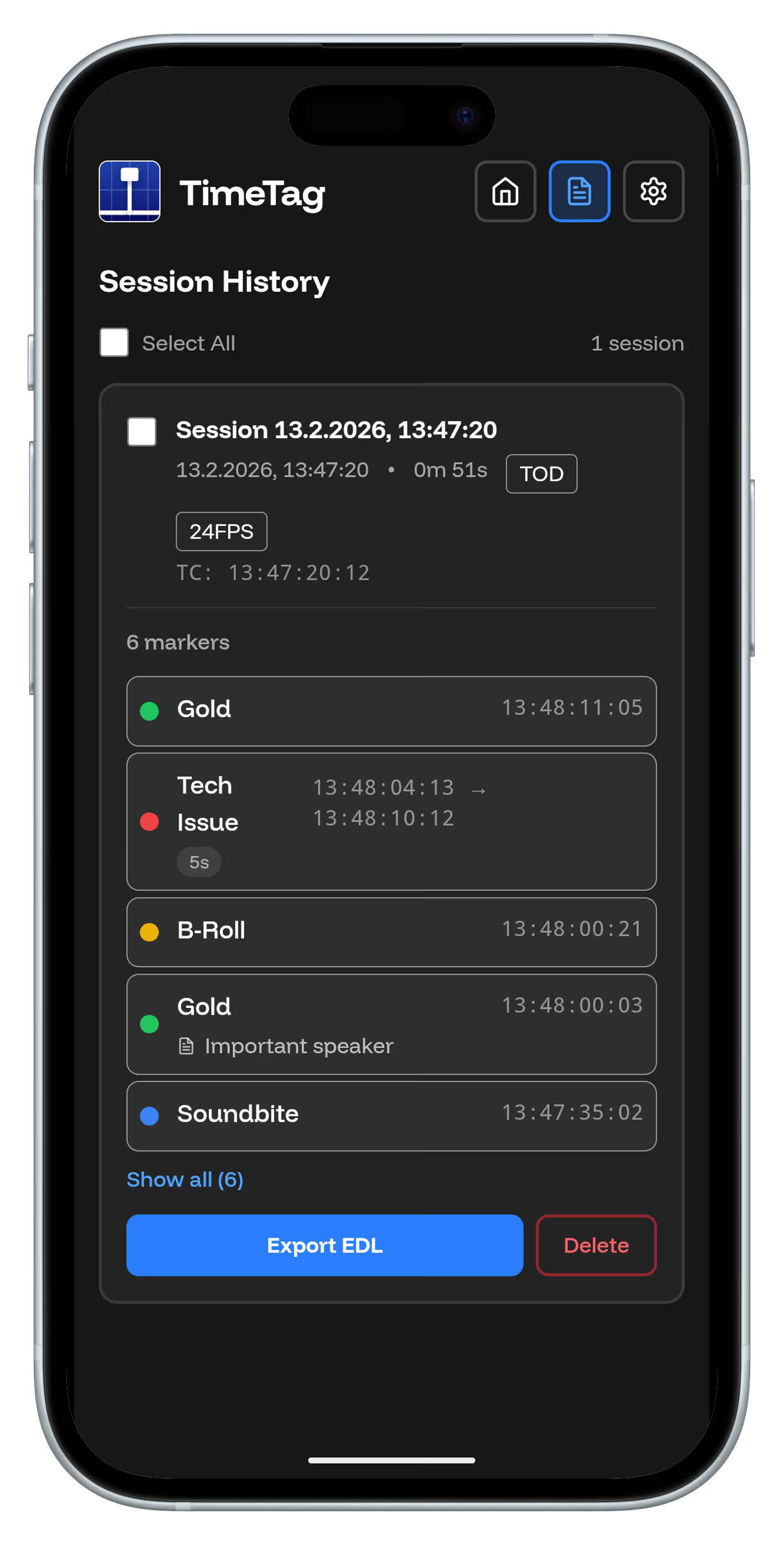
TimeTag markers export as standard timecode metadata that DaVinci Resolve recognizes automatically. No manual importing or transcoding required – your markers appear exactly where they should in your timeline.
Marker Types for Different Needs
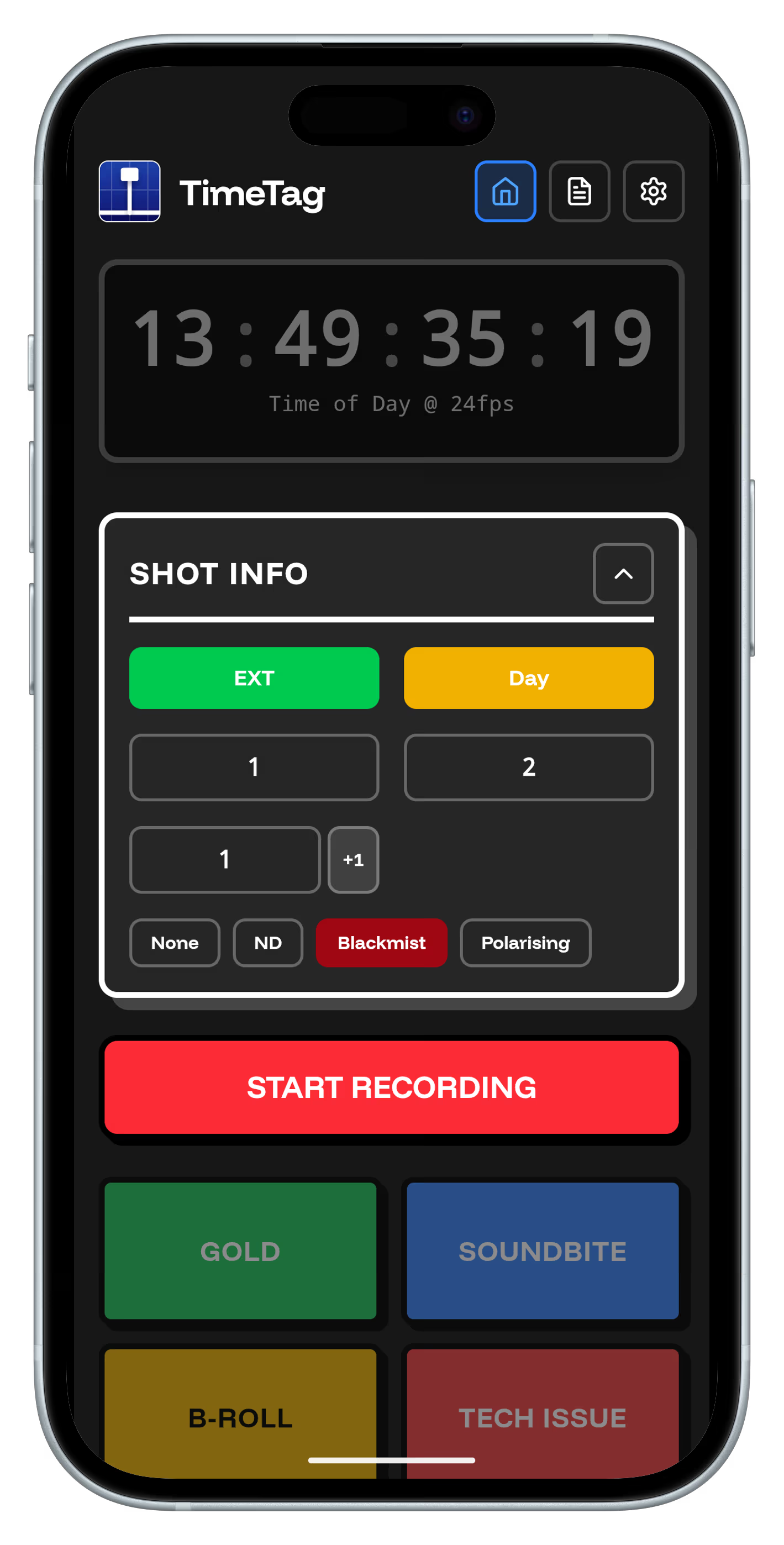
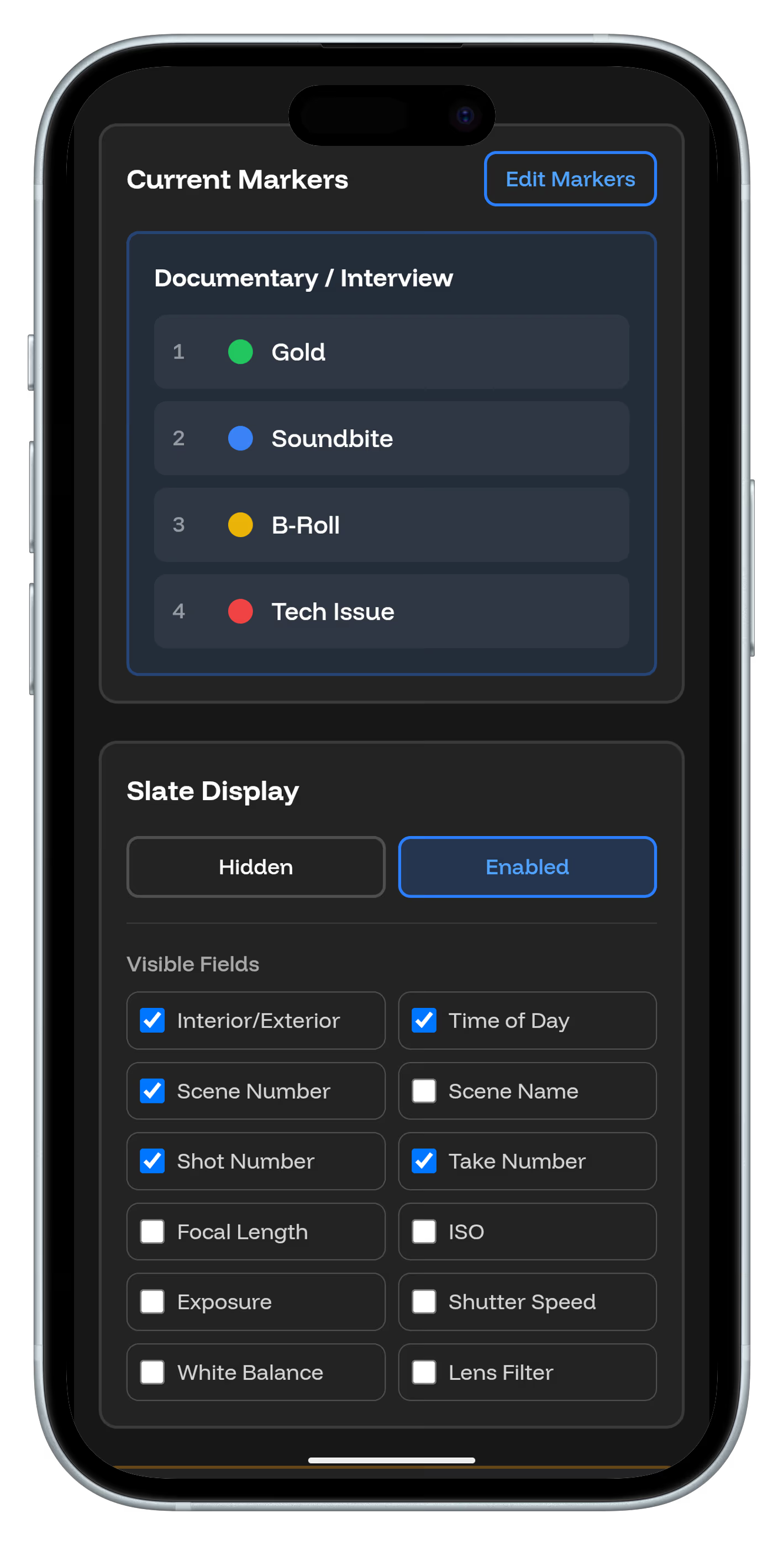
Use TimeTag to mark good takes, continuity points, color reference shots, and audio cues. Each marker type can have custom notes and metadata that carry over to your Resolve project.
Reduce Editing Time by 50%
With pre-placed markers, you skip the tedious process of logging footage. Jump directly to the moments that matter and start editing immediately. What used to take hours now takes minutes.
Workflow Optimization
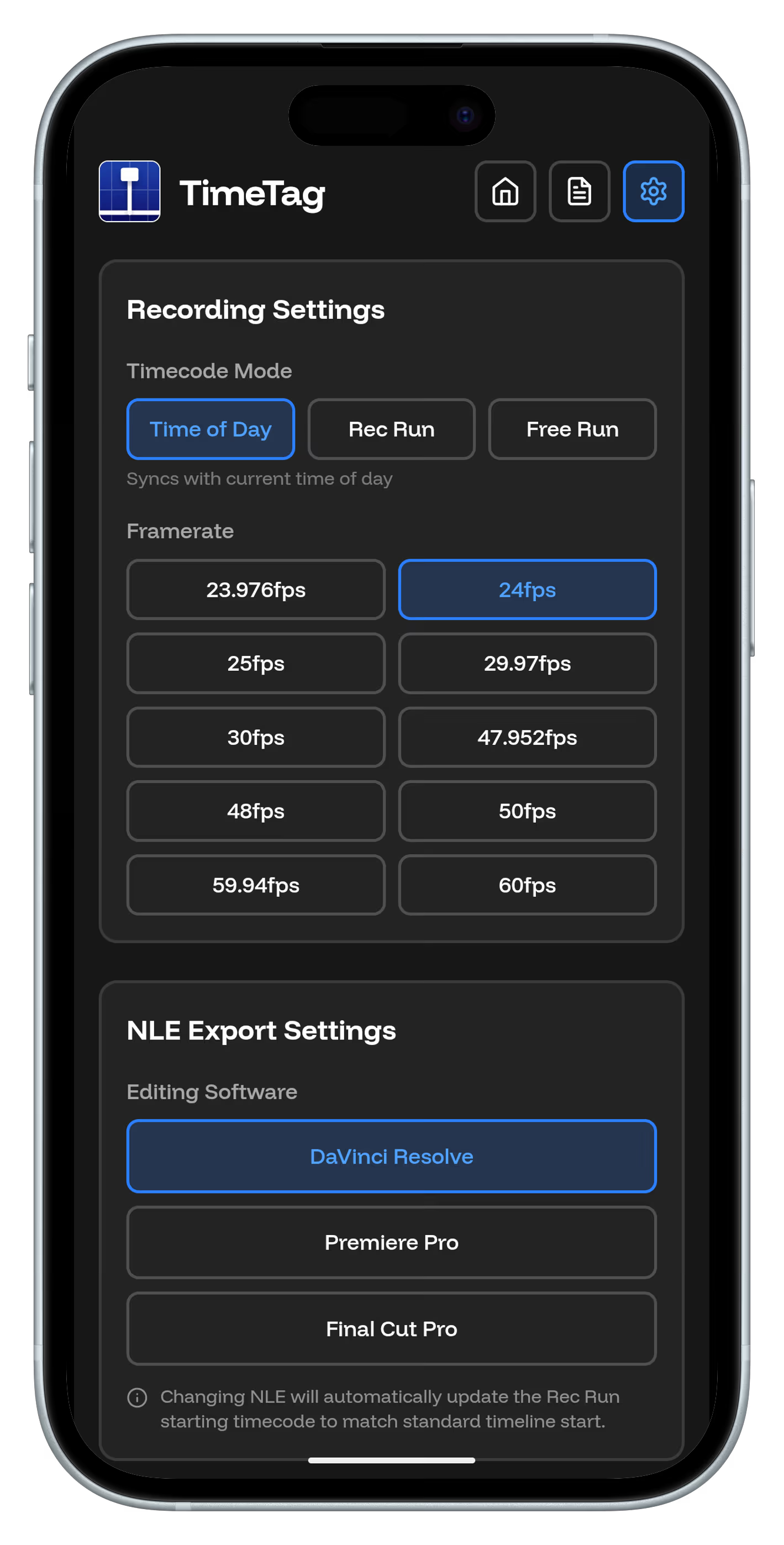
TimeTag works with any camera that outputs timecode. Whether you're shooting with RED, ARRI, or consumer cameras, your markers will sync perfectly with DaVinci Resolve.
Get Started Today
Download TimeTag and see how easy professional editing workflows can be. Your future self will thank you when editing day arrives.