

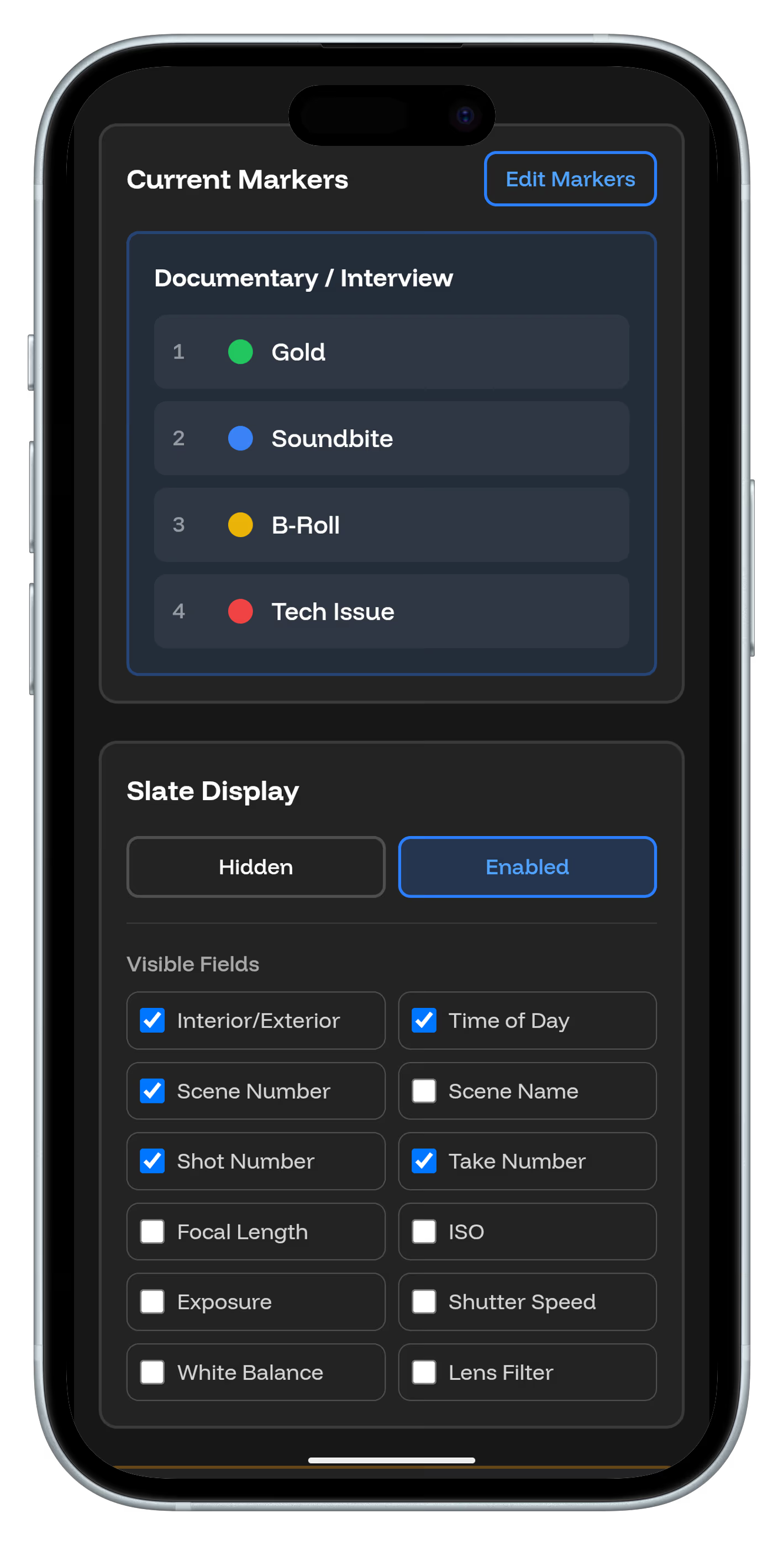
How TimeTag Integrates with Popular Editing Software
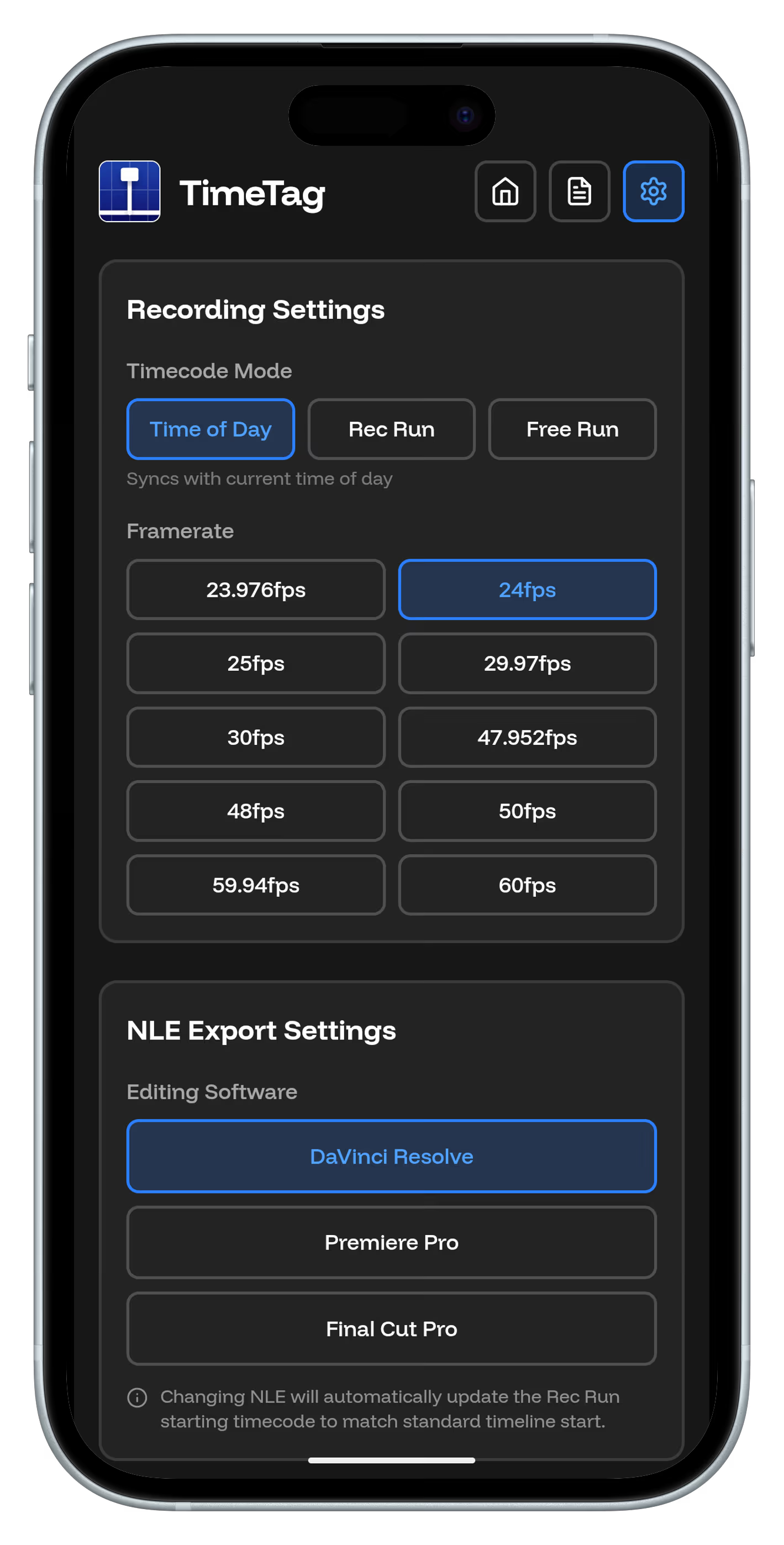
TimeTag isn't limited to one editing platform. Our markers export in standard formats that work with all major editing software, making TimeTag a universal solution for your post-production workflow.
DaVinci Resolve
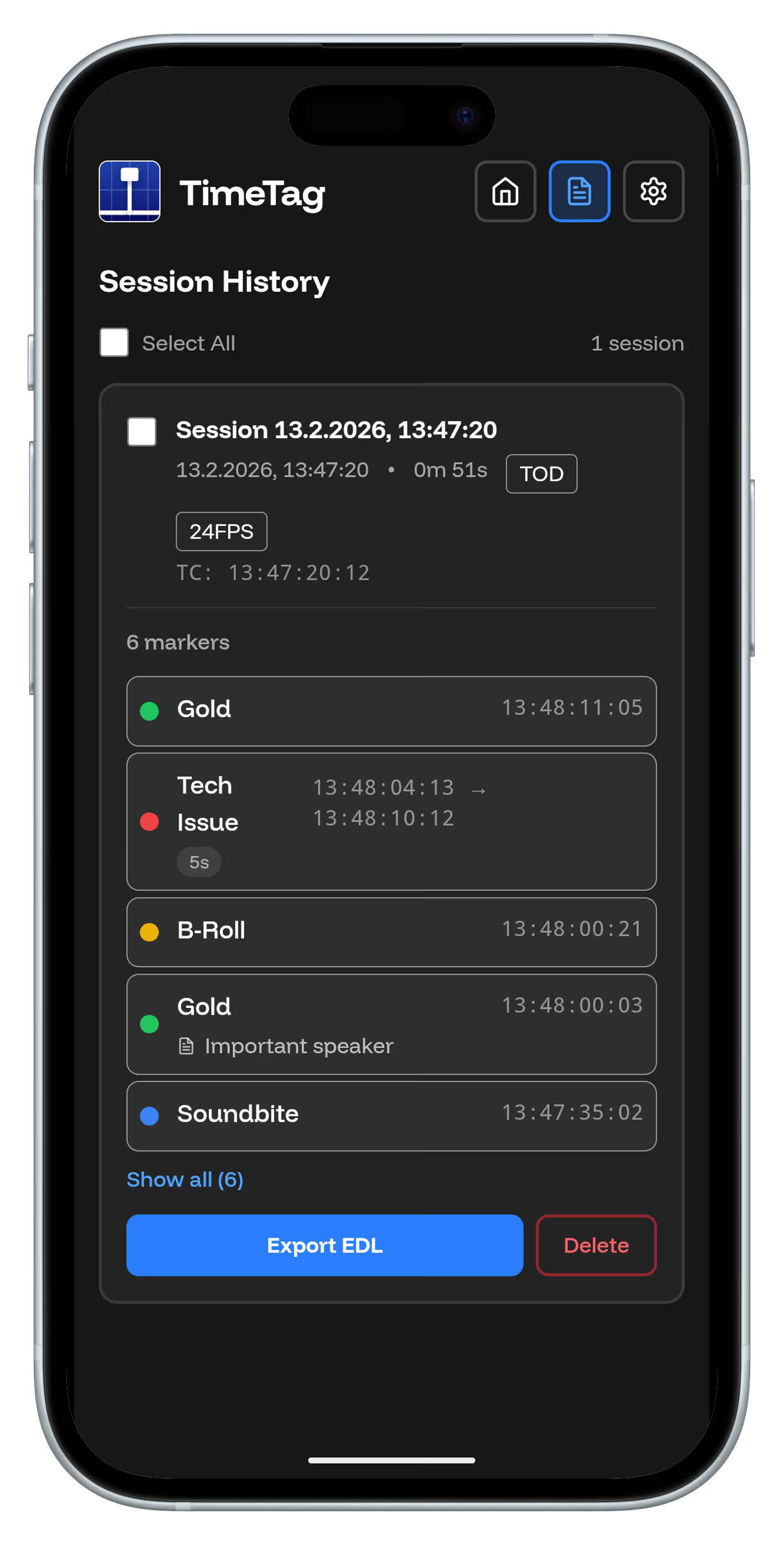
TimeTag markers import as timeline markers with metadata. Use them to navigate your footage, add notes, and organize your color grading session.
Adobe Premiere Pro
Support for Adobe Premiere Pro is coming soon. TimeTag will export data as CSV files that Premiere can import as markers.
Final Cut Pro
Final Cut Pro integration is planned for future updates. TimeTag will work with FCP's marker system via XML import.
Avid Media Composer
Avid Media Composer support is on our roadmap. TimeTag will export in AAF format for professional productions.
Growing Compatibility
TimeTag is expanding its editing software support. Stay tuned for updates as we add more integration options to enhance your post-production workflow.
Choose Your Tools
TimeTag adapts to your preferred editing environment. Focus on your creative vision, not software limitations.